Spaces and their agents
A space is a corner of your brain for one area of work, with its own agent.
A space is a corner of your brain for one area of work, with its own agent who only works there. Your Right Hand looks across everything; a space agent stays focused on one project, client or part of your life.
Create a space
- Open Settings (the gear icon) and choose Spaces. You can also use + Space at the bottom of the brain tree.
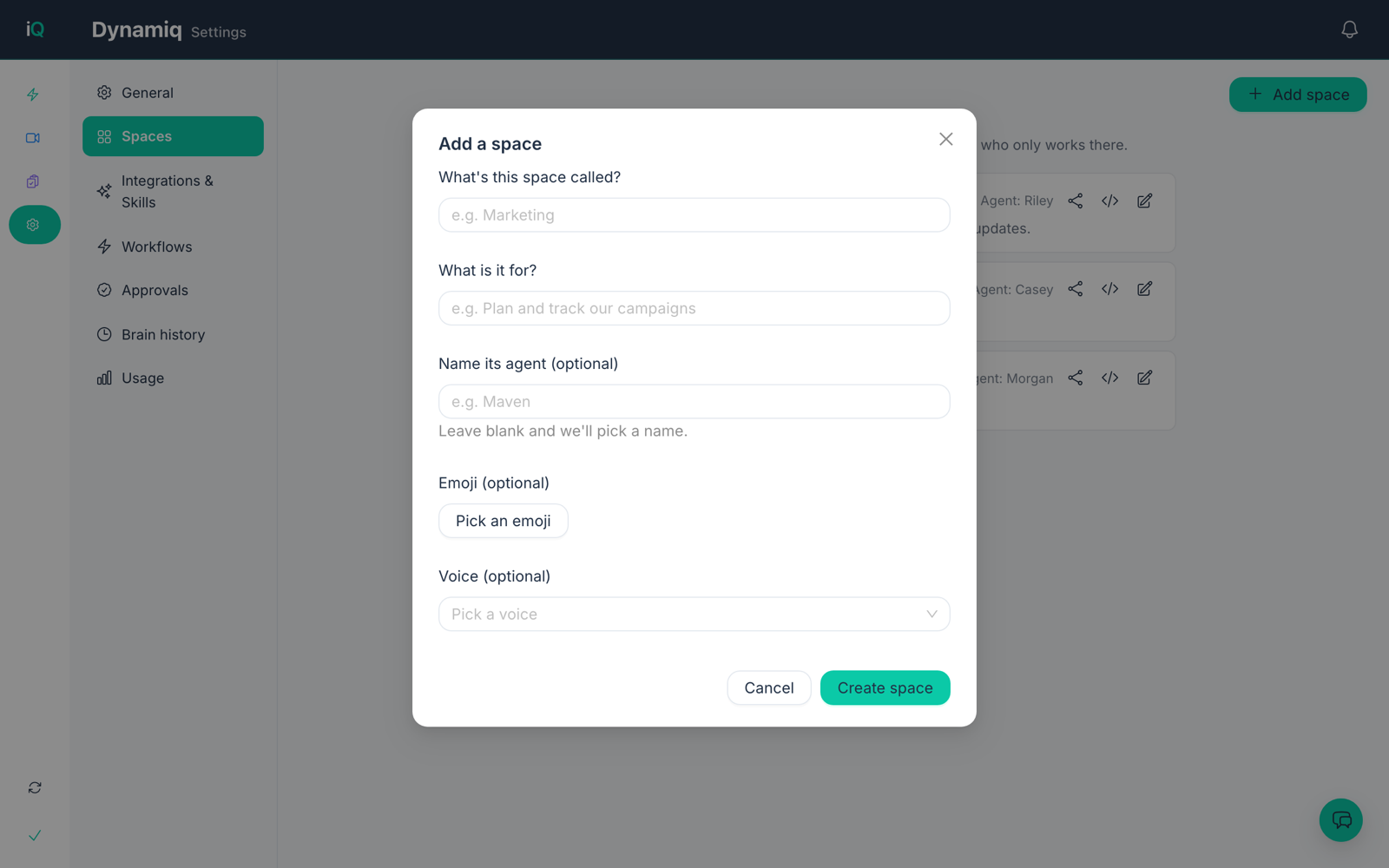
- Choose Add space.
- Give it a name (for example Marketing) and say what it is for.
- Optionally name its agent, pick an emoji and pick a voice. Leave the agent name blank and one is chosen for you.
- Choose Create space.
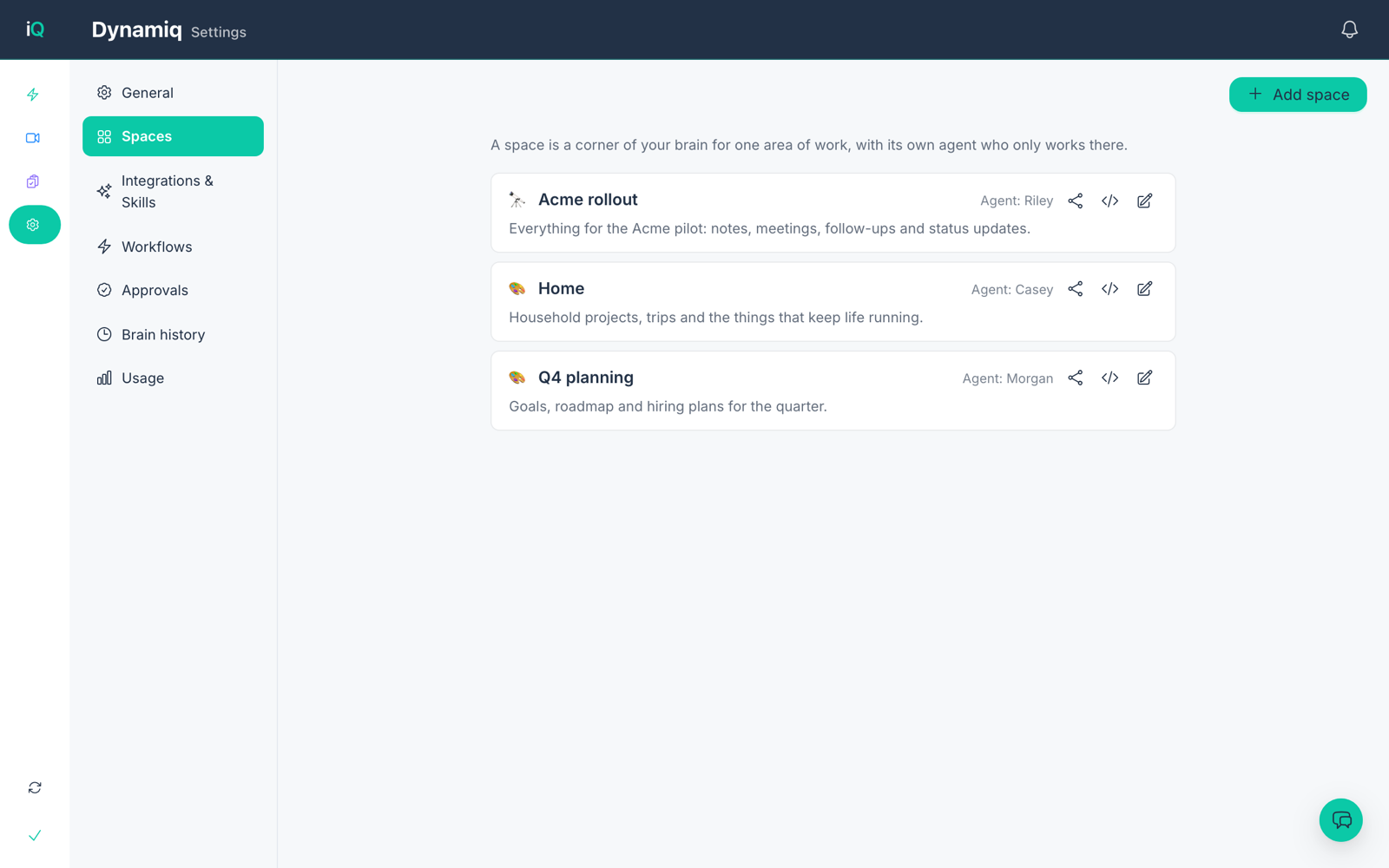
Each space in the list shows its agent, and has buttons to share the space, set a code folder for it and edit it.
Your plan sets how many spaces you can have. You can see your usage under Settings, then Usage.
Talk to a space's agent
Start a new conversation from the chat's conversation list (see Your first conversation) and pick the space's agent instead of your Right Hand.