Connect GitHub
Let your Right Hand read your repositories. Code changes that leave the sandbox wait for approval.
Connect GitHub with a fine-grained token so your Right Hand can read your repositories.
How to connect
Connect from your Right Hand chat; no browser sign-in is involved.
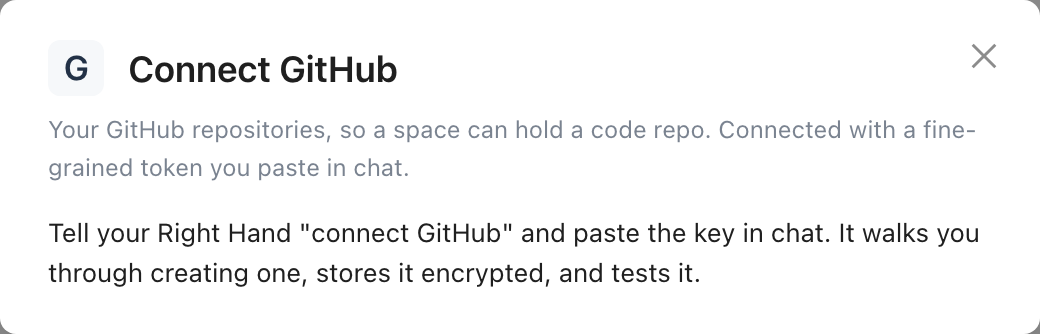
Open Settings, then Integrations & Skills, find GitHub under Add an integration and select Connect. It tells you to ask your Right Hand to connect it.
In the Right Hand chat, say "connect GitHub". It walks you through creating a key at GitHub:
- Open github.com/settings/personal-access-tokens/new (path approximate).
- Name it "Dynamiq" and pick only the repositories it may touch.
- Give it Contents: read and write, and Pull requests: read and write.
- Generate it and copy it.
Paste the key into that chat. Your Right Hand stores it encrypted, tests it against GitHub, and tells you the result. The icon turns green.
Never paste this key, token or password anywhere except your Right Hand chat inside Dynamiq, or the Dynamiq field that asks for it. Don't put it in an email, a Slack message, a text, a document or another website. Dynamiq stores it encrypted, tests it, and never shows it back.
What your Right Hand can do
- List your repositories
- Search code, browse a tree and read files
- See recent commits
What it can't do
- See repositories you didn't pick when creating the token
- Push changes without asking you first
What waits for your approval
- Git pushes and other changes that leave the sandbox wait in your Approvals inbox for your tap. A held step isn't a failure.
How to disconnect
- Open Settings, then Integrations & Skills.
- Select the GitHub icon, then Disconnect, then confirm.
Dynamiq stops using GitHub straight away. You can also remove Dynamiq from the provider's own list of connected apps. Where that lives varies, so look for something like Connected apps or Third-party access in your GitHub account settings (menu names are approximate).
Common problems
- Dynamiq says the key was rejected. Copy it again in full, with no spaces at the start or end, and check it hasn't been revoked at GitHub. Make a fresh one if in doubt.
- The key works but an action fails. The key is probably missing a permission. Create a new key with the permissions listed above and replace the old one by telling your Right Hand to "replace my GitHub key".
- Still stuck? See Send diagnostics.
- A repository doesn't show up. The token wasn't given that repository. Create a new token that includes it and replace the old one.
See also: Connect an account, all integrations.